Showing 6 of 6 tools
Score a college application essay and get rubric-based priorities plus line-level feedback without having the service write the essay for you.
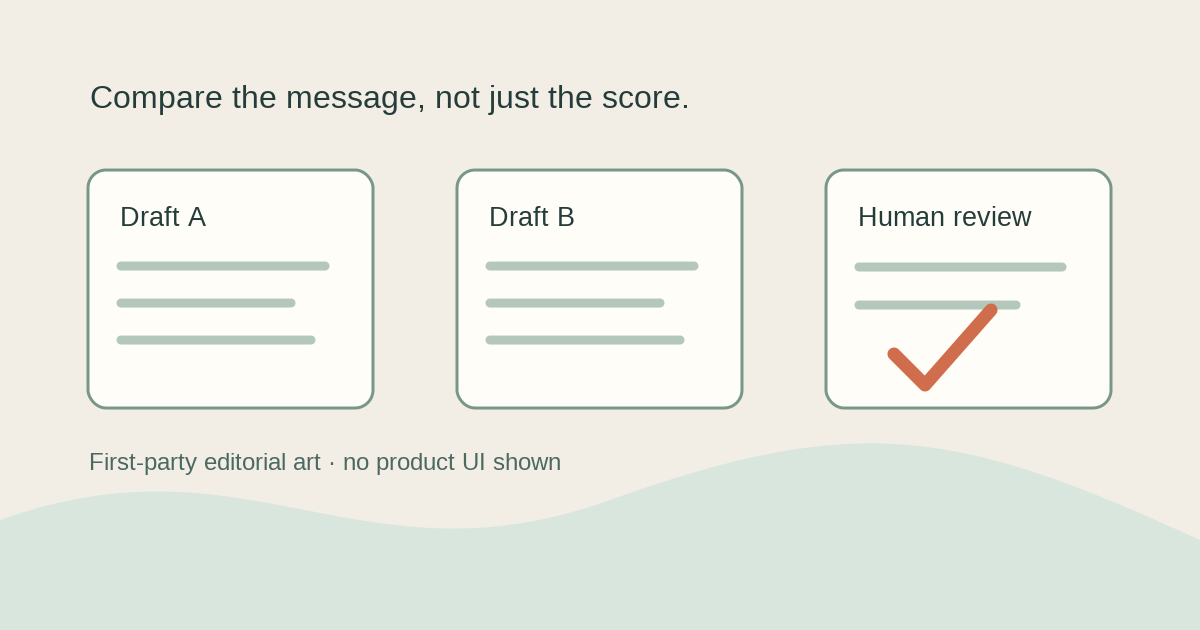
Anyword helps marketing teams draft copy in a brand voice and compare proposed variations with predictive scores. The scores are decision aids, not a guarantee of campaign results.

Checked 2026-10-01. Official sources: https://transcribetext.com/ and https://transcribetext.com/upgrade. Browser-based AI transcription for uploaded audio/video and YouTube links. Produces searchable transcripts with timestamps; exports TXT, DOCX and SRT, and translates subtitles. Best for creators, podcasters, students, researchers and teams working from recordings. Free: 3 files/day, one per session, up to 30 minutes/file. Paid plans add unlimited use, batch uploads, longer files and speaker diarization. Limits: not real-time captioning; accuracy varies with audio, language and terminology, so review names, numbers and quotes. Not ideal for unreviewed high-stakes records. Compare on free quota, duration, language coverage, imports, exports, diarization and paid limits.
Use Jasper when a marketing team needs reusable brand context, governed workflows and repeatable campaign production rather than another general AI drafting tab. Compare the one-seat Pro plan with custom Business contracts, shared credits and the real editing work required.
Use Grammarly for inline grammar, clarity, tone and rewriting support. Compare billing cadence, prompt limits, account-specific training controls, document storage and voice preservation before choosing it over a general AI chat.
DeepL combines machine translation, writing improvement, document translation, and developer APIs. The products share a language-AI foundation but use separate subscription paths, so buyers should choose by workflow and verify document formats, character allowances, data security, glossaries, and team administration before paying.