Showing 20 of 21 tools
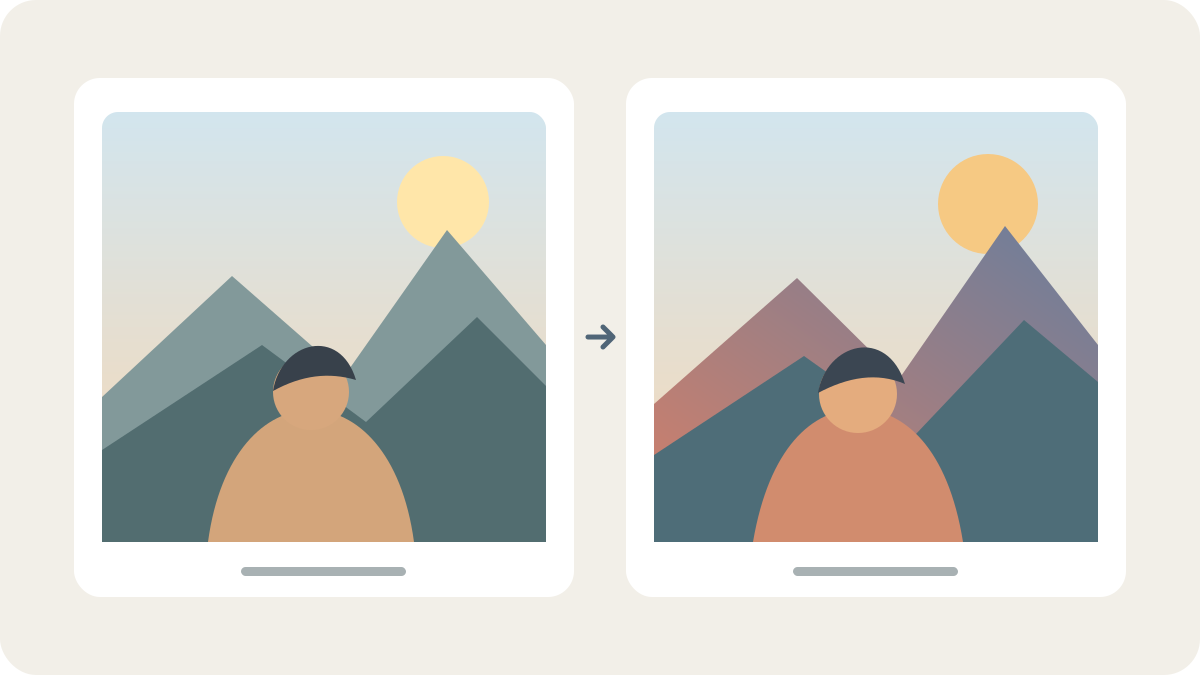
Pixform offers image-to-image style transformation and a separate two-photo still-image face-swap workflow. Public terms describe limited free use without signup; GIF, selectable multi-face and video swaps are not available in this release.

MossImage is an independent browser-based image studio with MOSS-Image generation, JSON layout controls and other image models. Its published plans use credits; exact account access and current availability were not tested.
Hailuo AI is a video and image creation workspace for turning images or text into short videos. Plans, credits, watermark-free downloads and output rights depend on the current plan and applicable terms; this listing does not claim product-image fidelity or account-tested entitlements.
Kling AI is a consumer creative studio for generating and editing video and images from text and visual references. Free availability, credits, model access, watermark removal and commercial-use terms depend on account, region, offer and applicable plan terms.

MOSS-Image is a 5B open-weight image model with text and layout controls. Local inference requires compatible compute; no unified hosted API or price has been verified.
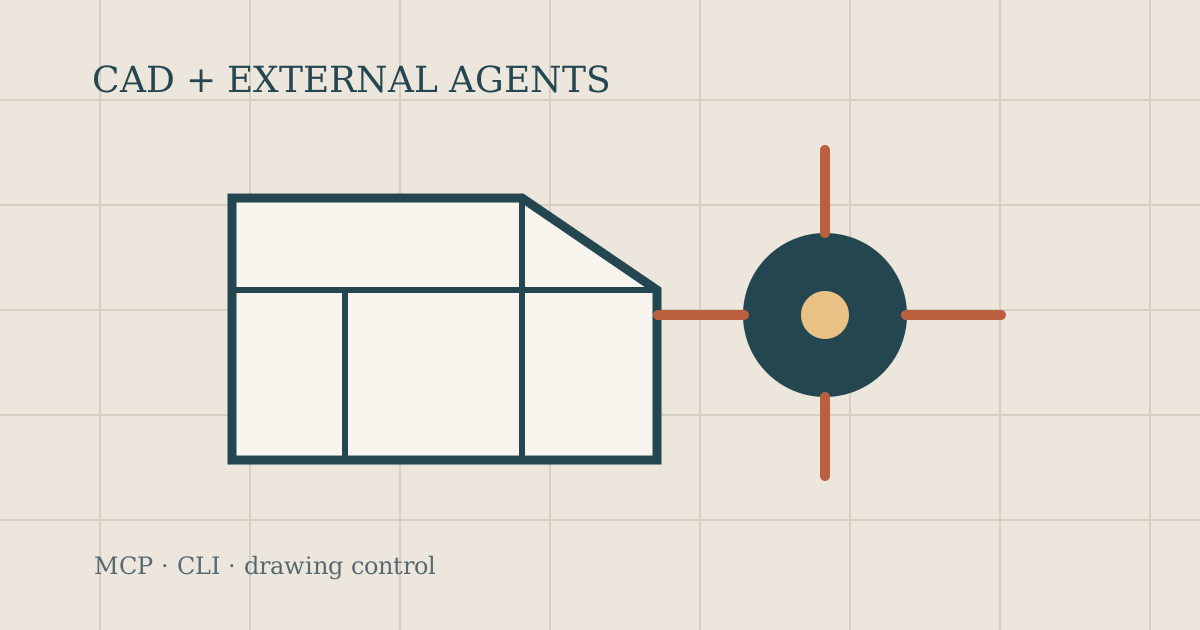
CADCraft is a free open-source CAD editor with MCP, JSON control and CLI surfaces for external agents. It does not bundle a generative AI model; compare file fidelity and setup before use.

ArtCraft combines scene composition, layers and AI image/video models in an open-source creative studio. Check plan credits, model access and output rights for your account.
Everygen combines AI short-video creation, ad templates, scripts, voiceover and exports. Check source-media rights, the selected model and credit costs before publishing.

Canva combines a visual design workspace with AI features for creating and editing designs, images, video and text. Brand voice and brand-kit context can help teams create on-brand drafts, but access and usage depend on plan, feature and account settings.
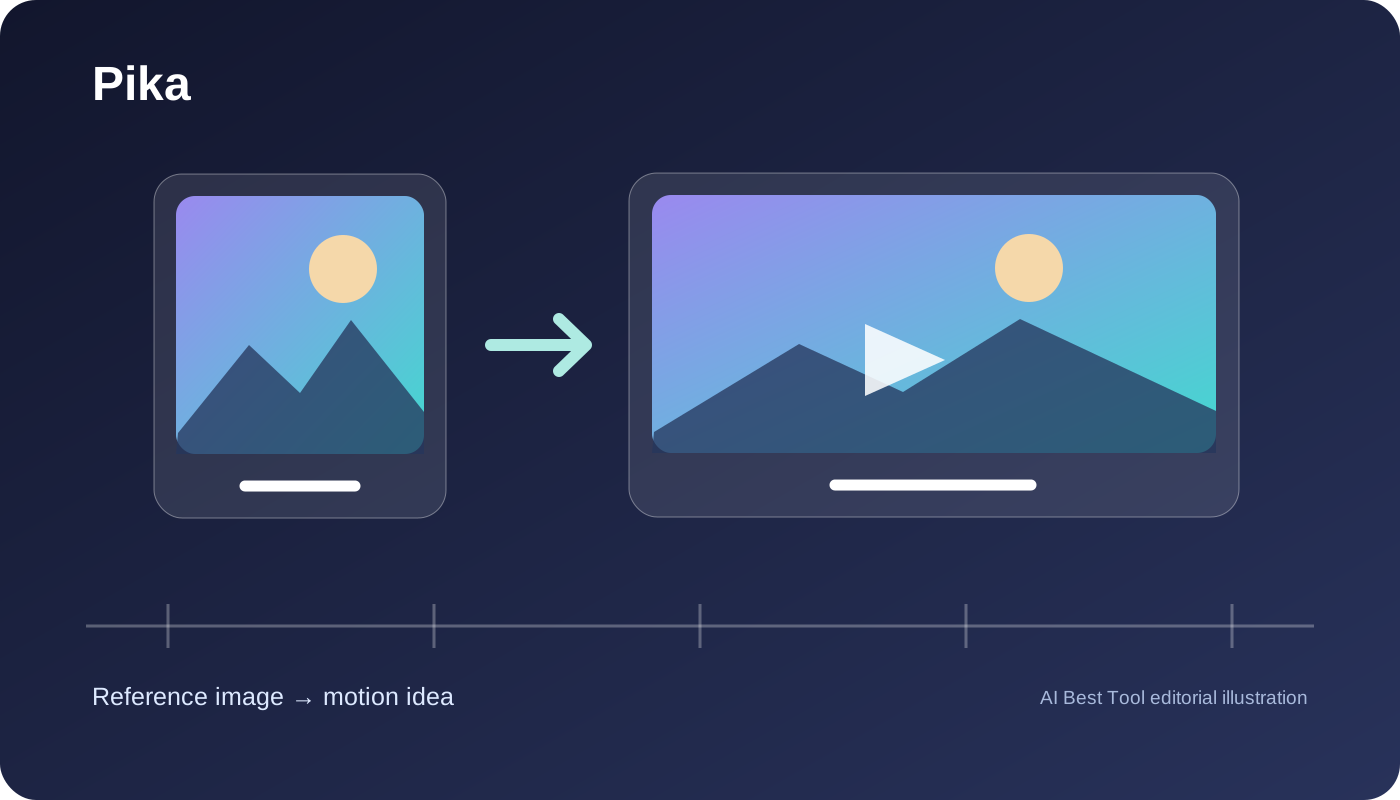
Pika is a browser creative application for exploring short motion from images and prompts. For product visuals, shortlist it only when someone can inspect the result and confirm delivery rights.

Visemix creates AI lip sync videos from a video or photo with uploaded audio, recordings, or text. Check local files before upload and generation, then sign in to create talking videos. Projects use private storage. A limited trial is available; paid credit plans start at $19/month, with one-time credit packs also offered. Use it for talking photos, creator clips, presentations, and localization workflows with media you own or have permission to use.
Consider Descript when transcript-led audio and video editing can replace part of a timeline workflow. Compare media hours and AI credits separately, then verify team cost, voice consent, data controls and the manual corrections your real project needs.

Create presenter-led videos, digital twins and localized versions without a studio shoot. Compare accepted output, credit cost, likeness consent, data-use defaults and separate web/API operations before committing.

Explore image styles, edit visual assets and animate starting images through Web or Discord. Compare GPU budgets, public visibility, commercial terms and the precision your deliverable requires.
Synthesia turns scripts, documents, presentations, and templates into presenter-led business videos with AI avatars and multilingual voices. It is strongest for repeatable training, onboarding, internal communications, and product education, not cinematic generation or unrestricted timeline editing.

Luma is a creative AI platform for video and image work across its App and separately billed API. Ray3.2 is its current video model and UNI-1.1 its current image model; verify access and terms for the chosen workflow.

Runway is a cloud creative suite for generating and editing video, images, and audio with first-party and third-party models. It is strongest for rapid shot ideation and targeted generative edits, but production buyers should model credit cost, shared workspace allowances, API separation, and the need for an external finishing editor.

Fast Image AI Sketch to Image converts sketches into generated images for concept and design workflows. Its current listing lacks independent adoption evidence and verified account limits.
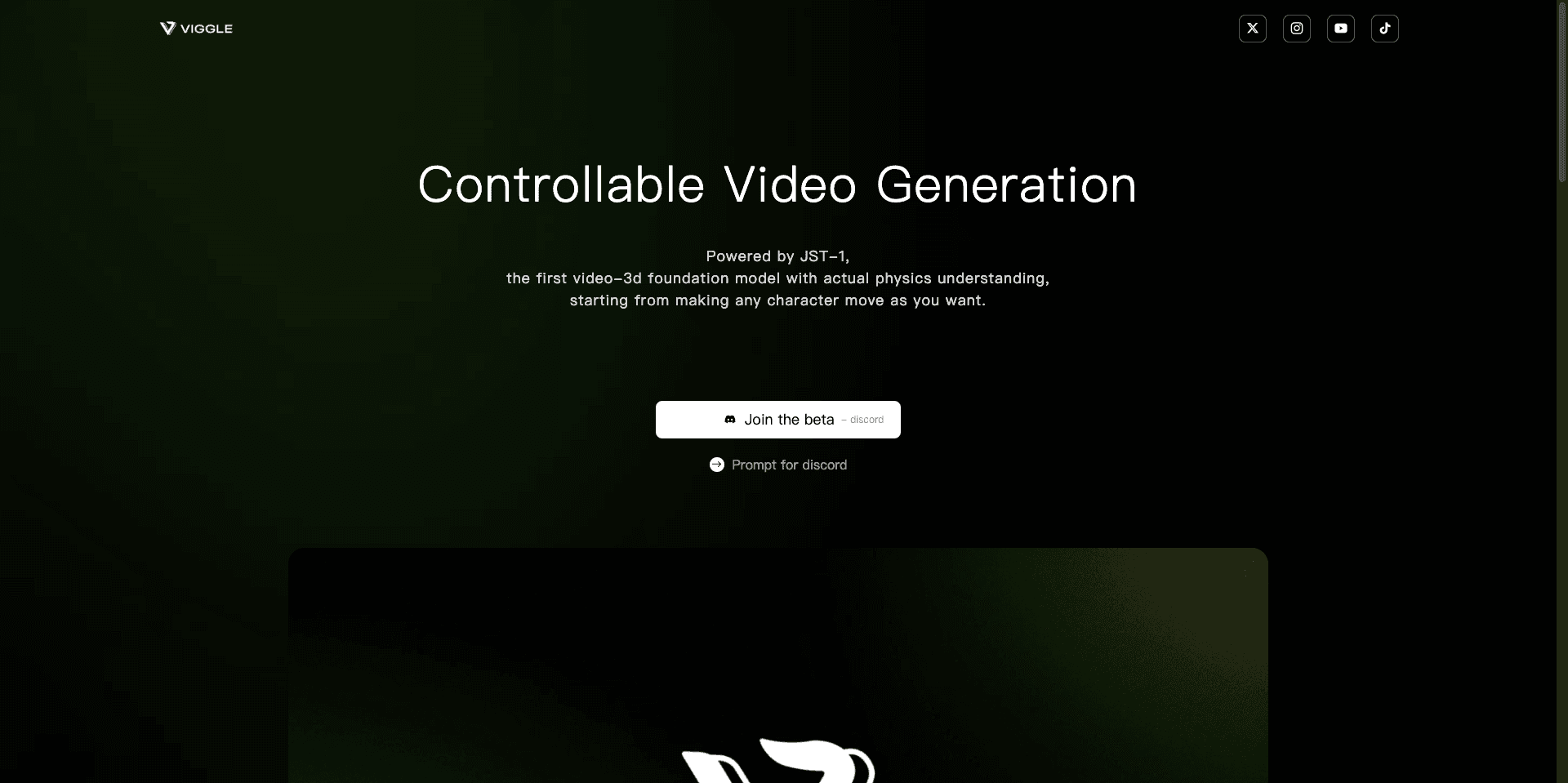
Viggle is a character, motion, and video-creation platform with web, iOS/Android app, and developer API paths. Compare plan gates, separate API billing, upload rights, training-use conditions, and retention before using it for a production workflow.
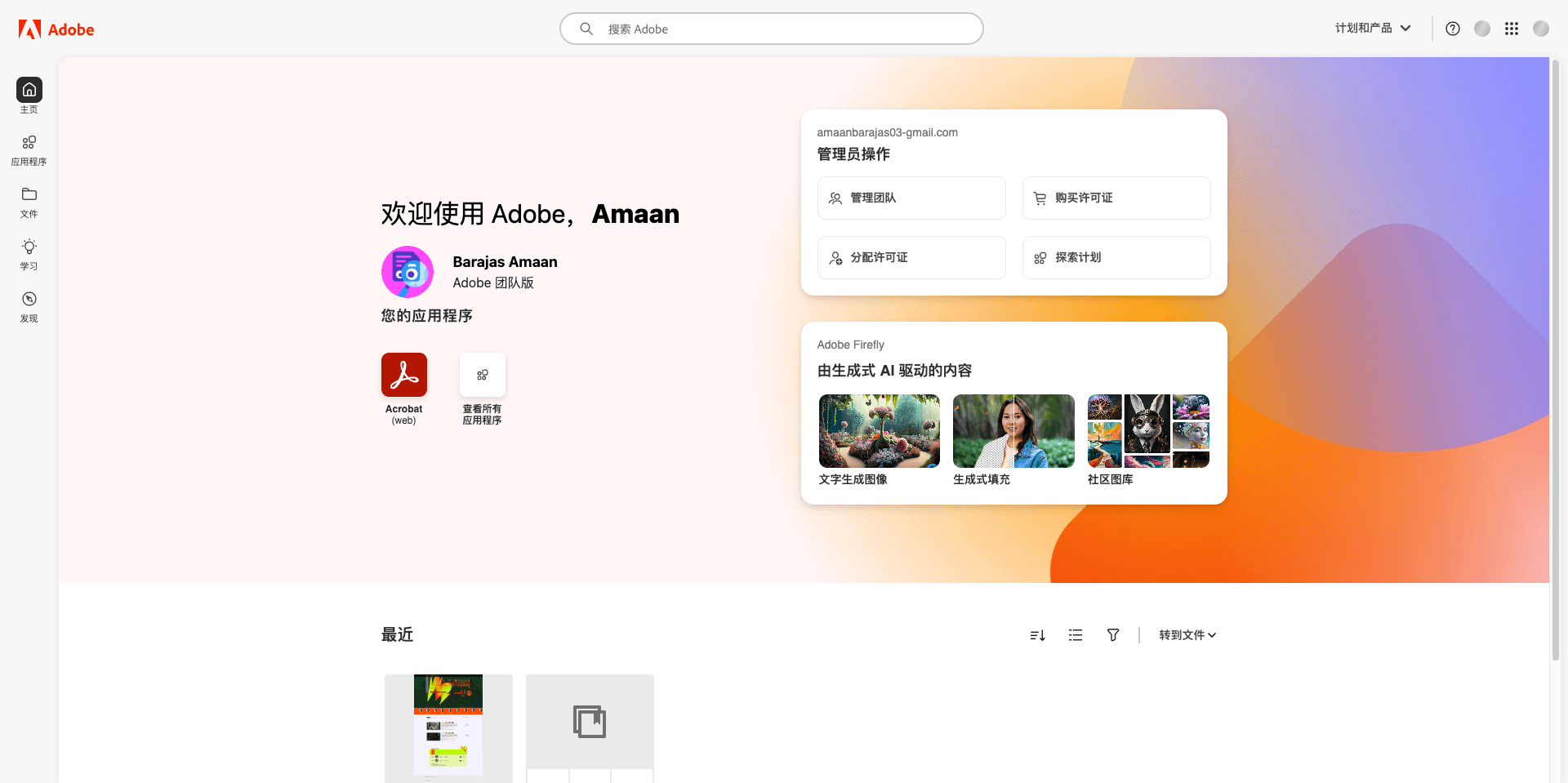
Adobe is a product brand. Firefly’s generative AI capabilities do not imply that other Adobe apps, plans, or licenses are included.